Global Managers
At a glance
| Persona | Manager running a team across three time zones (Singapore, Berlin, San Francisco) |
| Goal | Stop waking up to a 500-item inbox |
| Prerequisites | Messaging + email connectors authorized; Loop on at 10-minute default |
| Outcome | Brief at 9 AM local time, Wrap at 6 PM, attention bubbles during the day |
A manager running a team that lives in three time zones — Singapore, Berlin, San Francisco — opens Slack at 9 AM in San Francisco to find that the Singapore teammates have already finished their day, the Berlin team is two hours from lunch, and the overnight pings from Tokyo are piled in three different inboxes.
Every morning used to start the same way: Gmail is opened, Slack is opened, Lark is opened, scrolling continues for 30 minutes trying to figure out what was missed, and only then does the actual work begin. By the time catch-up is complete, half the morning is gone. And worse — the act of catching up generates more messages ("sorry, just saw this"), which the team then has to triage on top of their own work.
The shortfall isn't discipline. It's the cognitive load of holding three time zones in mind at the same time.
The user doesn't want another chatbot that waits to be asked. They want an AI assistant that genuinely fits a manager's day across time zones: it polls every channel continuously, organizes the overnight signal, and only finds them when there's a decision that genuinely needs to be made.
Problem 1: The APAC / EMEA gap eats mornings
The painful part of being a global manager isn't the late-night Slack pings — it's the morning archaeology to figure out which of them actually matter. The exchange used to go like this:
- Open Slack and scroll the unread list, channel by channel
- Try to remember which of the 40 unread messages were just chat and which needed a reply
- Open Gmail and check if anything landed overnight from investors or partners
- Open Lark and check if the Berlin team left decisions in threads
- Stitch the morning's mental picture together from memory
If the night was busy, this got pushed to 10 AM, sometimes 11. By the time catch-up is complete, the Singapore team is already past lunch and Berlin is on their way out.
This is exactly what AI should be doing. The actual hard part of the morning routine isn't the decisions — it's gathering the scattered overnight signal and reorganizing it into something a manager can act on.
So the three primary channels are connected in OpenLoomi:
use openloomi-connectors to connect Gmail
use openloomi-connectors to connect Slack
use openloomi-connectors to connect Lark
Gmail and Slack live in Composio's app catalog; the seven native Loomi connectors (Telegram / WhatsApp / iMessage / Feishu / DingTalk / QQ / WeChat) don't need Composio at all. Native and Composio-managed accounts can be mixed freely.
Verification runs with list-accounts — once every platform shows active, Loop picks them up on the next tick.
Problem 2: 9 AM becomes a triage ritual, not a start of day
Once the connectors are in, the next thing configured is the Brief. Every day at 9 AM (configurable in Settings → Loop), Loop gathers the open decision cards, today's calendar, and the contacts Loop expects an interaction with today, and lays them out as a single page.
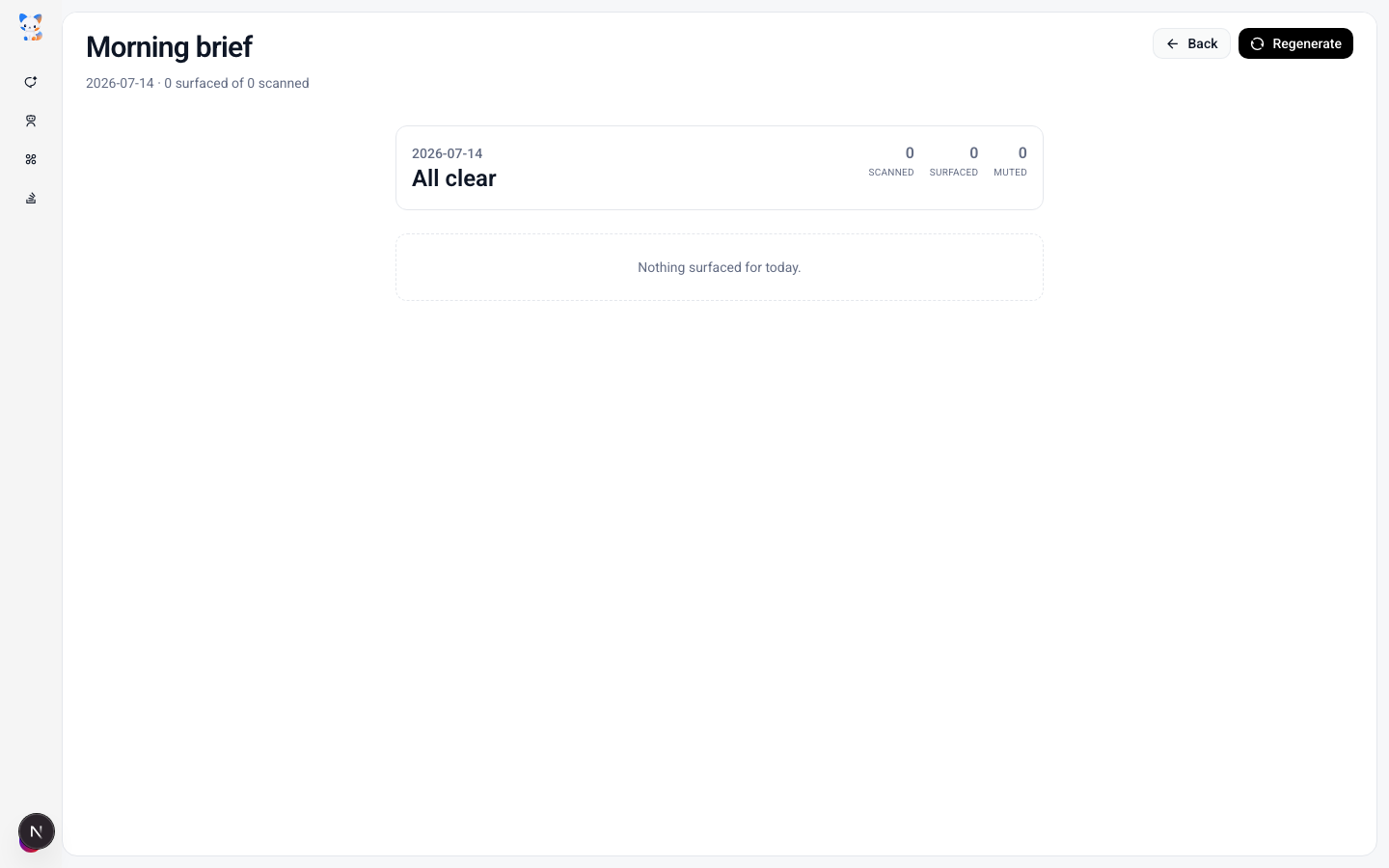
What lands in the Brief isn't a hardcoded count of "3 items" — it's everything Loop judged the previous day and overnight that genuinely needs attention. If nothing needs the manager, the Brief says so.
The Brief isn't the only thing that runs on a schedule. Throughout the day, Loop ticks every 10 minutes and surfaces typed decision cards as new signals clear the gates:
- ✉️
email_reply— inbound from a contact on the important list with an action word, past the reply window - 💬
im_reply— DM from a connected messaging app not yet responded to - 📅
rsvp— calendar invite past 24 hours unanswered
Each card carries the draft, a reasoning trace, the confidence score, and the four-gesture flow — Approve / Edit Draft / Later / Skip. The dry-run is always shown before any outbound action — Loop never auto-sends.
By the time the laptop is opened, the overnight queue is already filtered. The Brief is read, Approve is tapped on the two or three things that genuinely need attention, and the day starts in 5 minutes instead of 45.
Problem 3: 6 PM becomes a guilt trip
The mirror problem to the morning Brief was the evening Wrap. Used to be: logging off, lying in bed, and thinking "did I reply to that Singapore thread? Did I confirm the Berlin call? Did I acknowledge the partner's note?" If tired, Slack would be opened one more time to check, and that one more time would turn into 30 minutes of "while I'm here..."
Loop's Wrap at 6 PM (configurable in Settings → Loop) lists what Loop actually handled during the day — emails sent, RSVPs logged, replies posted — and what got parked for tomorrow. The goal is a clean mental inbox before logging off.
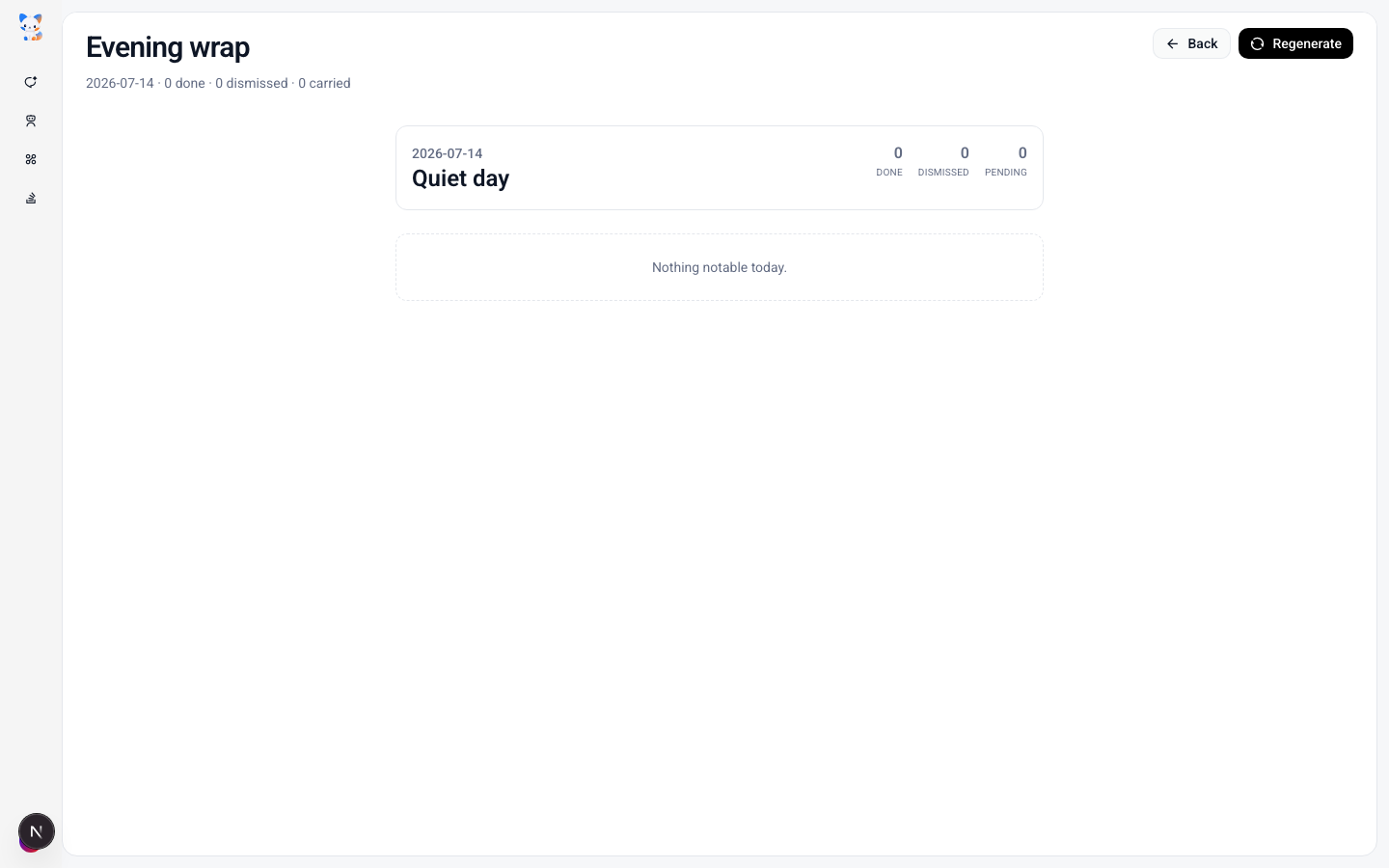
Loomi bubbles the high-confidence cards in the corner of the screen during the day. They can be paused during deep-work blocks with a right-click → "Pause reminders for 1 hour". The Brief and Wrap are the bookends; the queue runs in between.
What this workflow really solves isn't a few automation tasks
At first the goal was just to save the 45 minutes every morning being spent on overnight archaeology. But after a few weeks, the realization hit: the real problem isn't a few missing automation scripts — it's that global-team work is fundamentally a time-zone information problem:
- The team lives in three time zones; the working day only covers one of them
- Async handoffs mean yesterday's decisions are buried in threads that haven't been seen
- The cost of context-loading a 200-message overnight Slack scroll is real
- By the time something is noticed, it's already 4–6 hours old in the other time zone
In the past, all this information had to be found and pieced together by actively searching. The change OpenLoomi brings is inverting that relationship: instead of waking up and trying to catch up, AI keeps watching every channel continuously and comes back with the filtered list at the right moment.
- If a Tokyo teammate DMs at 11 PM their time, the
im_replycard lands in the Brief already knowing who they are. - If a partner emails overnight, the
email_replycard surfaces with the draft grounded in the last conversation. - If a calendar invite sits unanswered past 24 hours, the
rsvpcard waits in the morning's queue. - If a public signal changes a contact's context, the
contact_updatecard refreshes memory overnight.
All that's needed is to focus on the parts that genuinely need judgement — the actual reply, the RSVP, the decision.
From "morning triage" to a continuously running manager loop
To make this work, two kinds of working patterns are configured in OpenLoomi.
One is event-driven:
| Trigger | What happens |
|---|---|
| Inbound email / IM past reply window | email_reply or im_reply card with draft grounded in memory and reasoning trace |
| Calendar invite past 24 hours unanswered | rsvp card with the response options |
| Public signal on a contact (promotion, new role, etc.) | contact_update card proposes the memory refresh |
The other is scheduled:
| Task | Schedule | Purpose |
|---|---|---|
| Today's To-Do (Brief) | Every day at 9 AM | Pulls today's calendar + open decision cards + relevant contacts |
| Today's Done (Wrap) | Every day at 6 PM | Lists what Loop handled for you today + what got parked |
Together they form a loop that runs continuously across every time zone:
Continuously watch → Organize contact context → Propose action or draft → Human decides → Send and rememberLoop never sleeps. Brief and Wrap are the bookends; the queue runs in between. Compared to configuring an isolated per-channel workflow, the preference is to have OpenLoomi keep understanding "what landed across all the time zones since last looked."
💡 Tune what surfaces. Global managers often have more signals than time. Three dials help: Trusted contacts (the auto-promote list, default ≥ 3 appearances in memory), Sources (toggle Email / Calendar / GitHub / Slack / Linear individually in Settings → Loop → Sources), and Quiet hours (pause windows around deep-work blocks in Settings → Attention Agent).
What changed
| Aspect | Before | After |
|---|---|---|
| Morning routine | 45 min scanning overnight Slack / Gmail / Lark | Open Brief, see what Loop judged, act in priority order |
| APAC / EMEA gaps | Missed overnight pings, learned about them at noon | Loop polled every 10 min overnight — signals wait in the queue, not in time |
| Context gathering | Manual aggregation across platforms, scroll 200 msgs | Memory layer carries sender profile across every channel and every time zone |
| Time zone coverage | Gaps overnight | Loop never sleeps — Brief and Wrap are the bookends, the queue runs in between |
| Decision tracing | "Why did I send that?" | Audit logs every Loop judgement and execution — see exactly what shipped and when |
What OpenLoomi saves isn't just the 45 minutes every morning. More importantly, there's no need to keep scrolling three inboxes, missing what landed overnight, and worrying about which thread was dropped.
How to set this up
Three connector calls is all it takes. The same commands work in OpenLoomi Desktop, the Claude plugin, or the Codex plugin — openloomi-connectors is invoked in chat, once per channel:
use openloomi-connectors to connect Gmail
use openloomi-connectors to connect Slack
use openloomi-connectors to connect Lark
Verification runs with list-accounts — once every platform shows active, Loop picks them up on the next tick.
From that moment on:
- Every 10 min Loop polls all the channels and surfaces typed cards as signals clear the gates
- The Brief lands at 9 AM (or the configured time); the Wrap lands at 6 PM
- Memory auto-promotes frequent contacts into the trusted list
- Loomi bubbles the high-confidence cards in the corner of the screen during the day
Trusted contacts, source toggles, and brief/wrap times are tuned in Settings → Loop. Loomi's bubble cadence, quiet hours, and theme are in Settings → Attention Agent. If the Brief is wanted in a different time zone or only in certain languages, the time is set in Settings → Loop → Morning briefing time; signal prioritisation respects the Interests panel in Settings → Personalization.
OpenLoomi's audit log records every execution — how many times Loop has polled, which cards surfaced, which Approves were tapped, which drafts were edited. This way the overnight triage can be handed off to AI while every action it took remains visible.
Related
- Loop — the overnight triage engine
- Automation — schedules the Brief / Wrap rollups
- Attention Agent — quiet hours + bubble cadence
- Connectors — wiring Slack + email
- Personalization — set the morning briefing time zone
X Content Drafting
How a content creator stops typing drafts from scratch every Sunday night — Loop watches X signals, agent drafts in their voice grounded in Memory, an explicit Approve is required before anything sends
Founders & Business Development
How a founder stops losing follow-ups across hundreds of contacts and lets Loop carry the relationships — drafts grounded, approval still yours