Chat
Interact with OpenLoomi through natural conversation. Ask questions, give commands, or request complex tasks—all in plain language.
Natural Language Interaction
In the OpenLoomi chat, type your questions or requests directly. Through conversation, OpenLoomi helps you:
- Summarize key information
- Get answers from your data
- Explore topics in depth
- Execute tasks
What You Can Ask and Do
Information & Summaries
- “What did my boss mention today?”
- “Summarize yesterday’s to-dos”
- “What’s the latest on Project X?”
- “Show me all interactions with this client”
Research & Analysis
- “What’s the latest on Product Hunt?”
- “Research our competitors’ recent updates”
- “Compare our product to [competitor]“
Task Execution
- “Write a weekly report for me”
- “Draft a response to Sarah’s email”
- “Create a follow-up task for this”
- “Schedule a meeting about the Q3 roadmap”
Chat Features
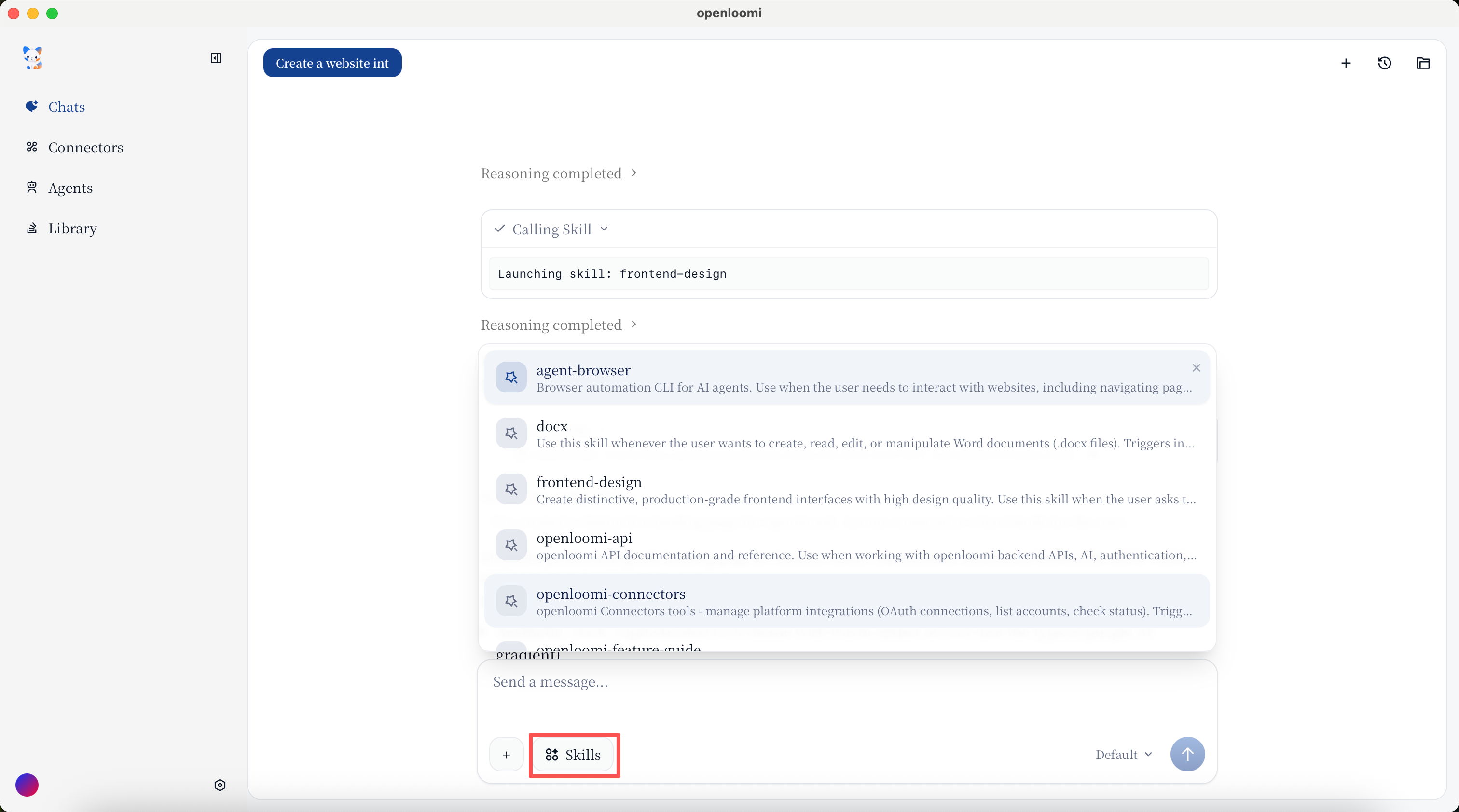
Skills
OpenLoomi has access to 200+ skills to help you accomplish various tasks. When you ask for something that requires specific expertise, OpenLoomi will automatically select the appropriate skills. Browse all Skills →
Artifacts
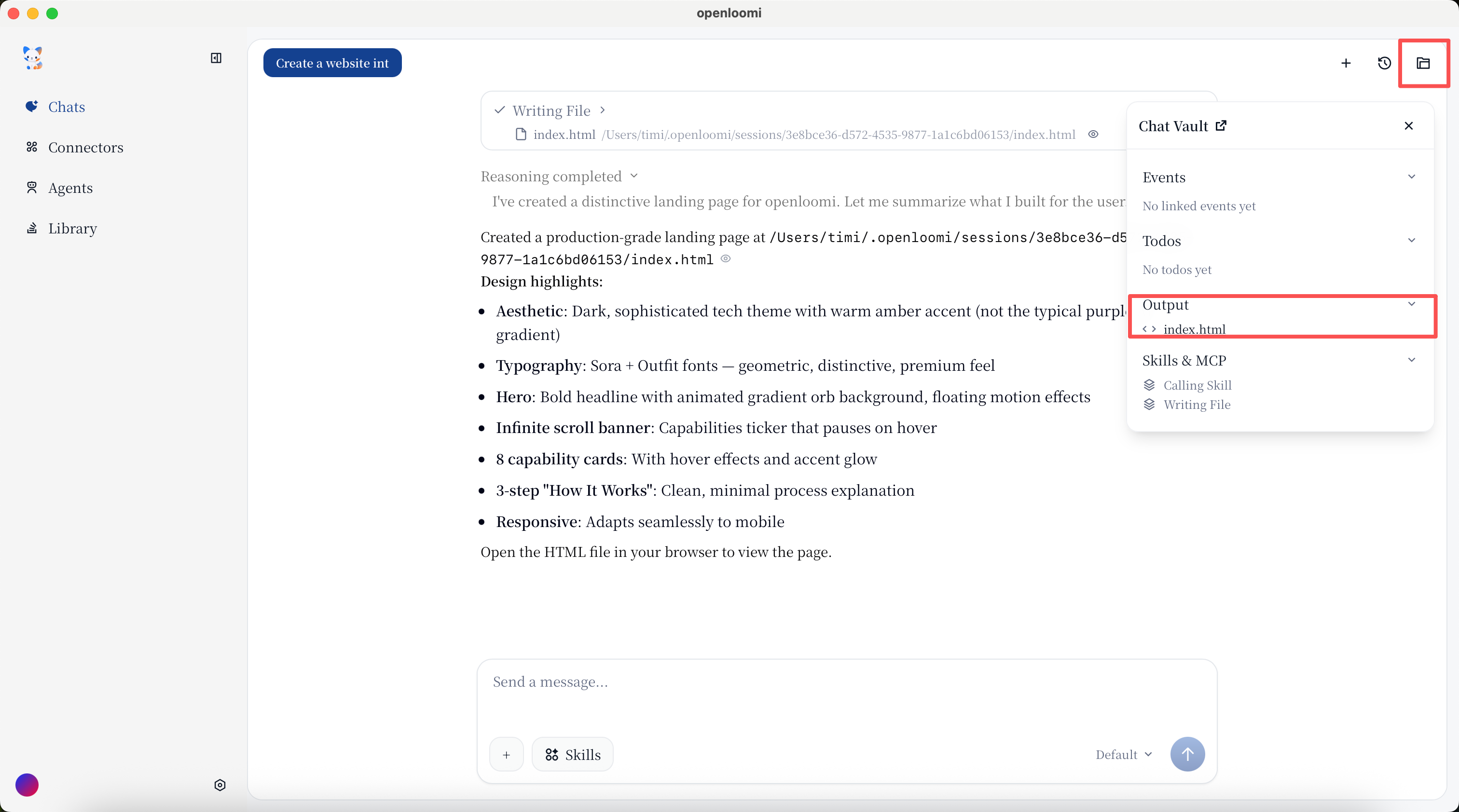
OpenLoomi can generate various visual artifacts to help you understand and present information:
- Mind maps
- Flowcharts
- Charts
- Roadmaps
- Surveys
- Documents
File Analysis
Upload files directly in the chat and ask OpenLoomi to analyze, summarize, or extract information from them.
Source References
When OpenLoomi provides information, you can see the sources:
- Which messages/conversations it came from
- When they occurred
- Who was involved
Deep Dive
For certain topics, you can continue exploring:
- Ask follow-up questions
- Request more details
- Narrow down scope
Topic-Based Chats
- Create new conversations around specific topics
- Review past discussions on any subject
- Build persistent context over time
Chat History
- Access all past chats
- Search through chat history
- Resume previous topics
Example Conversations
Basic Questions
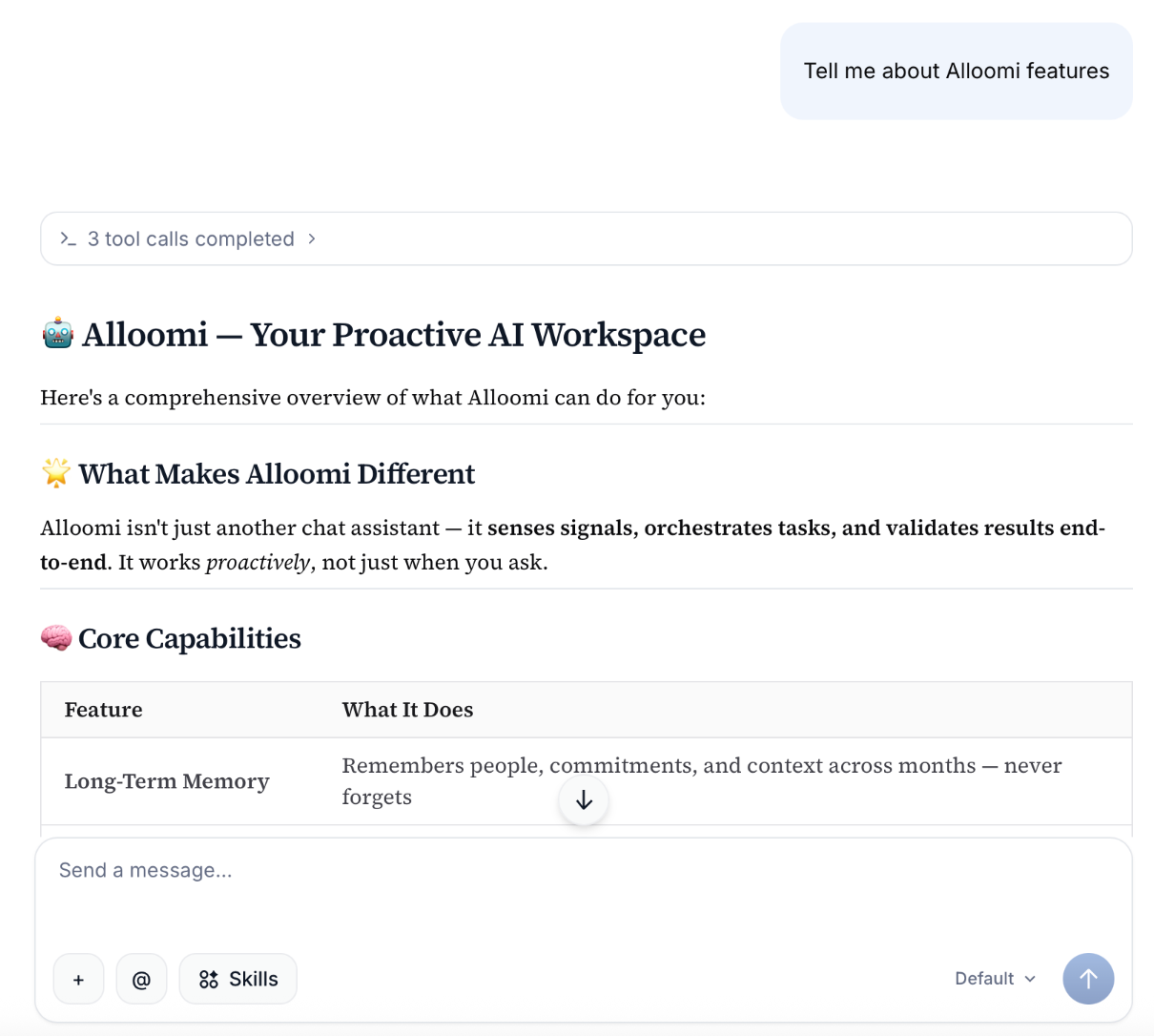
Ask “What is OpenLoomi”
Project Status
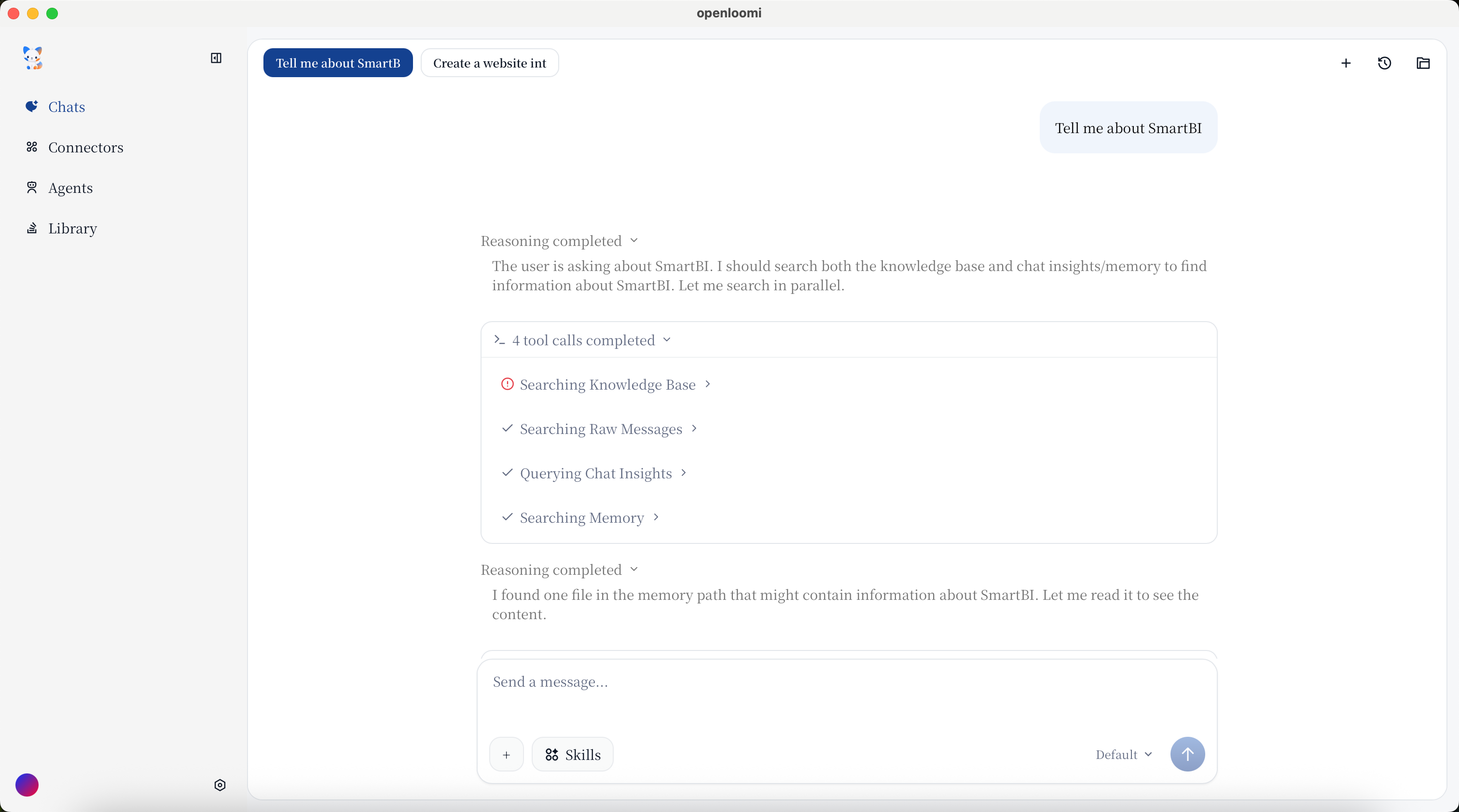
Ask “What’s the latest update on Project X this week?”
Report Generation
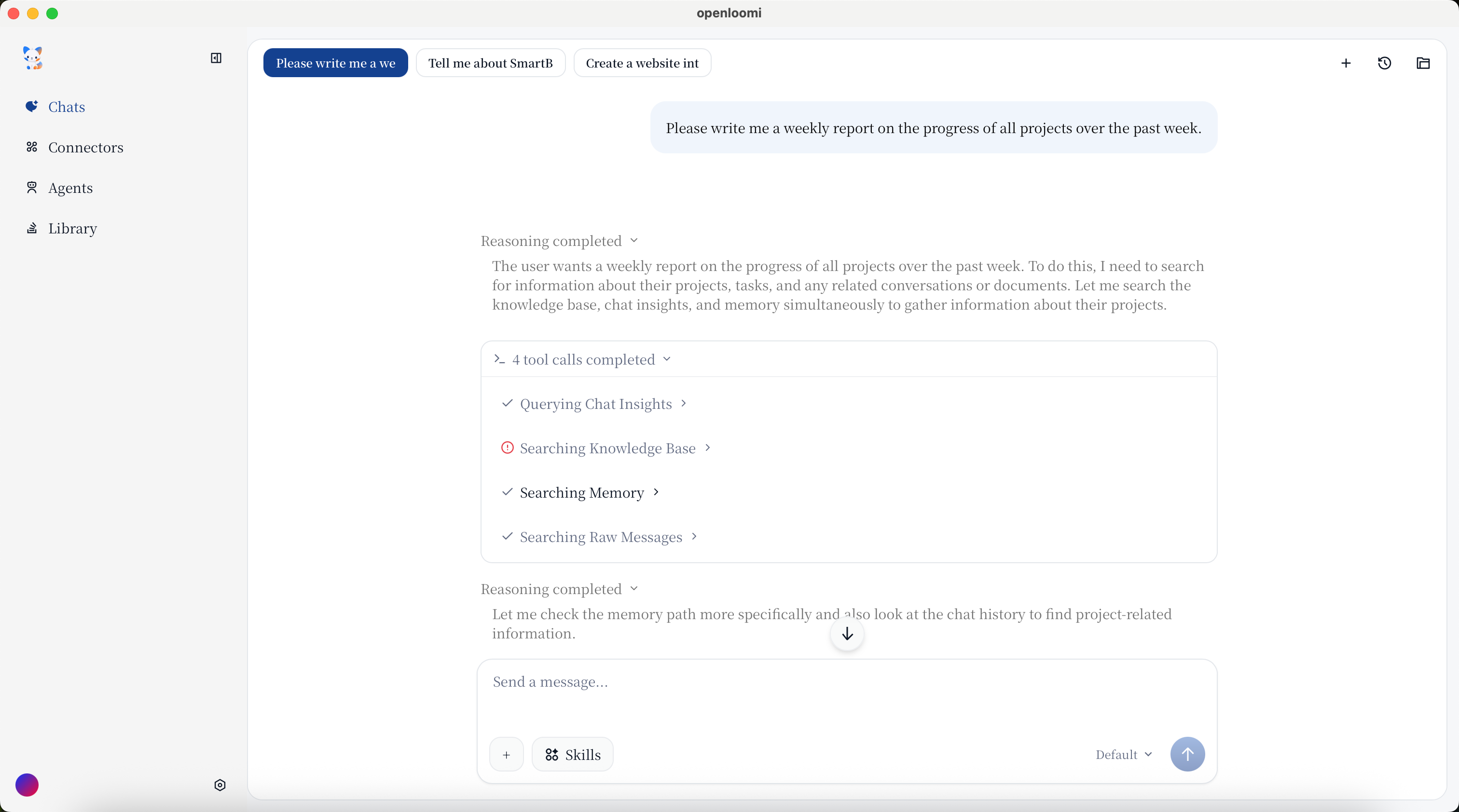
Ask OpenLoomi “Please write me a weekly report on the progress of all projects over the past week.”
App/Website Generation
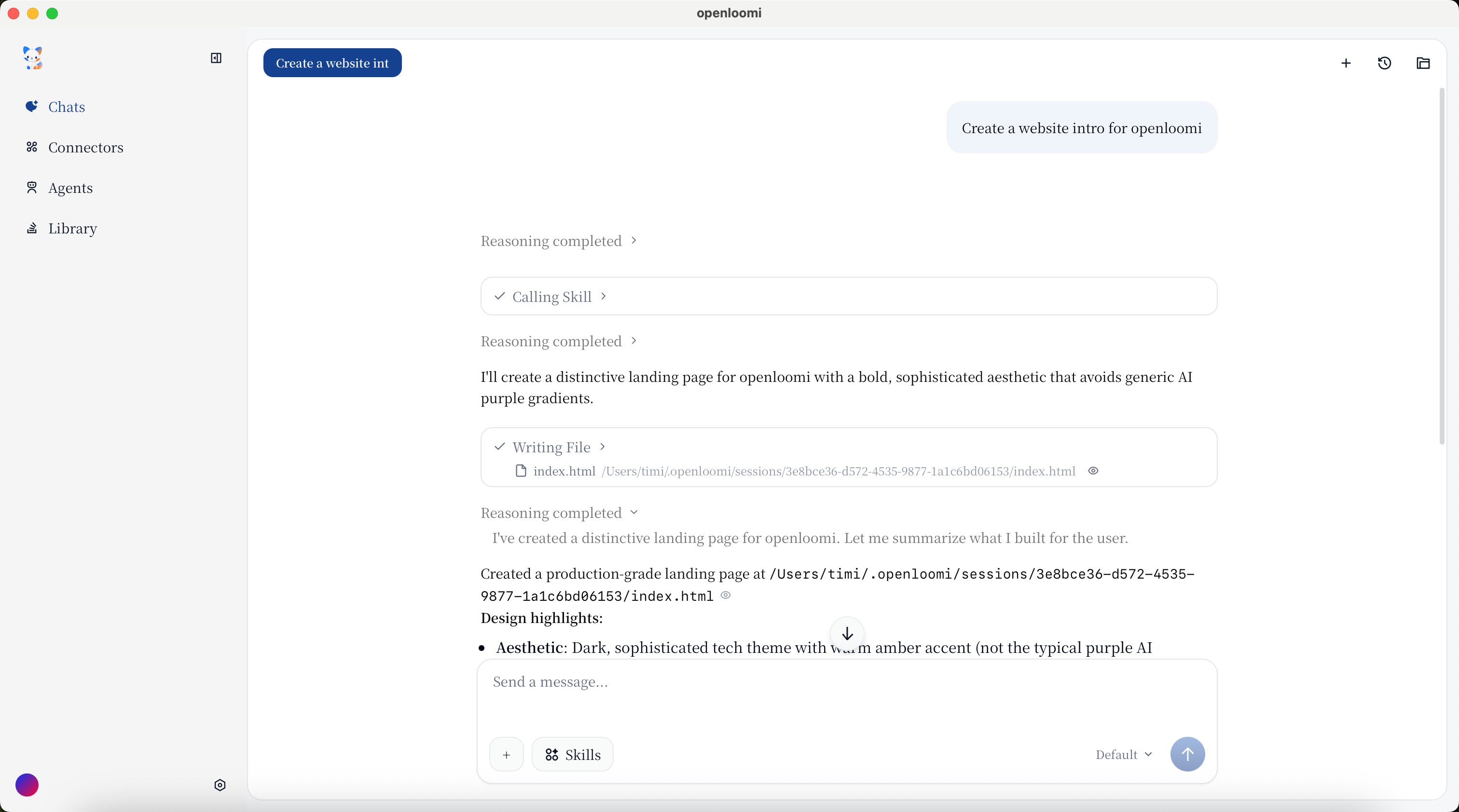
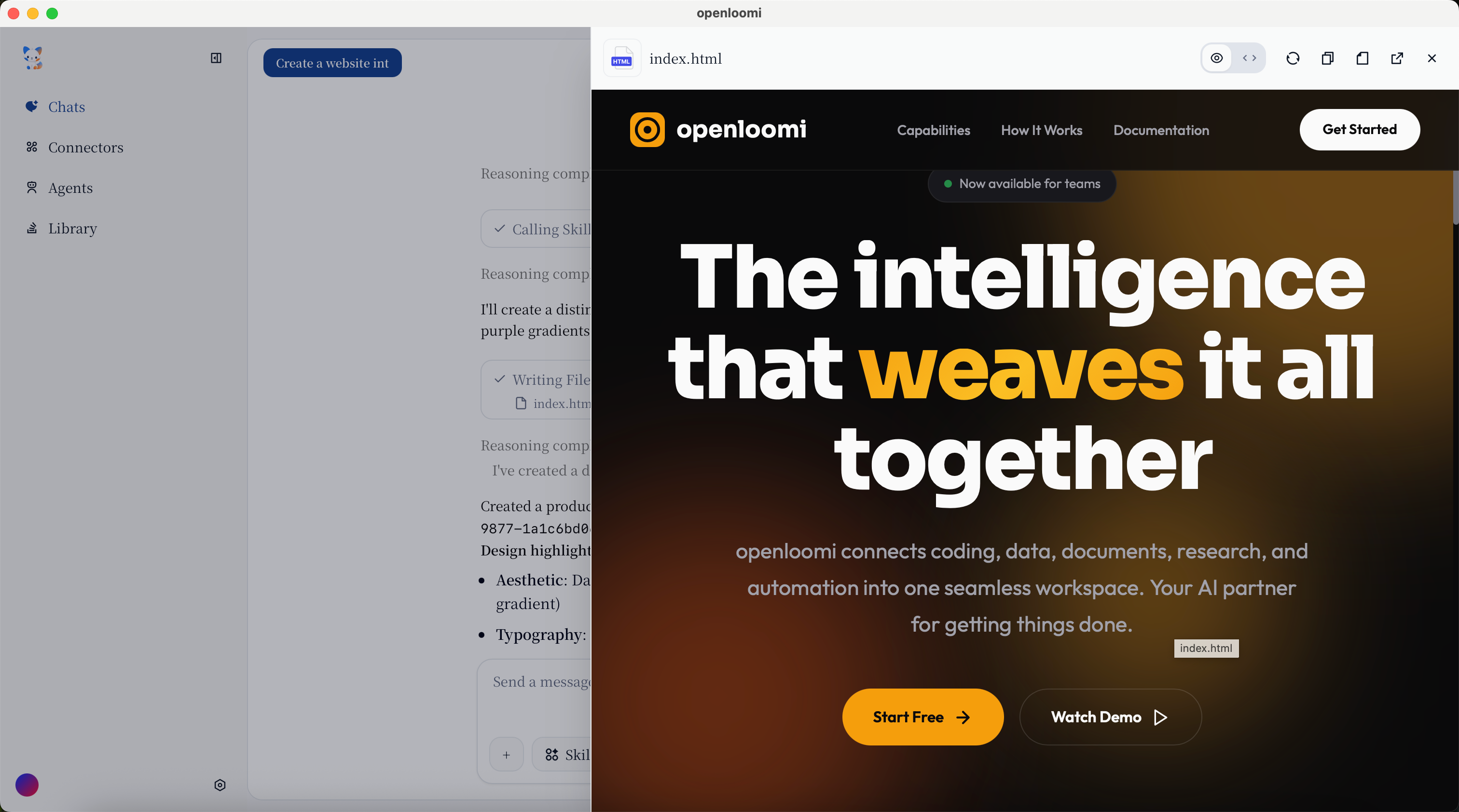
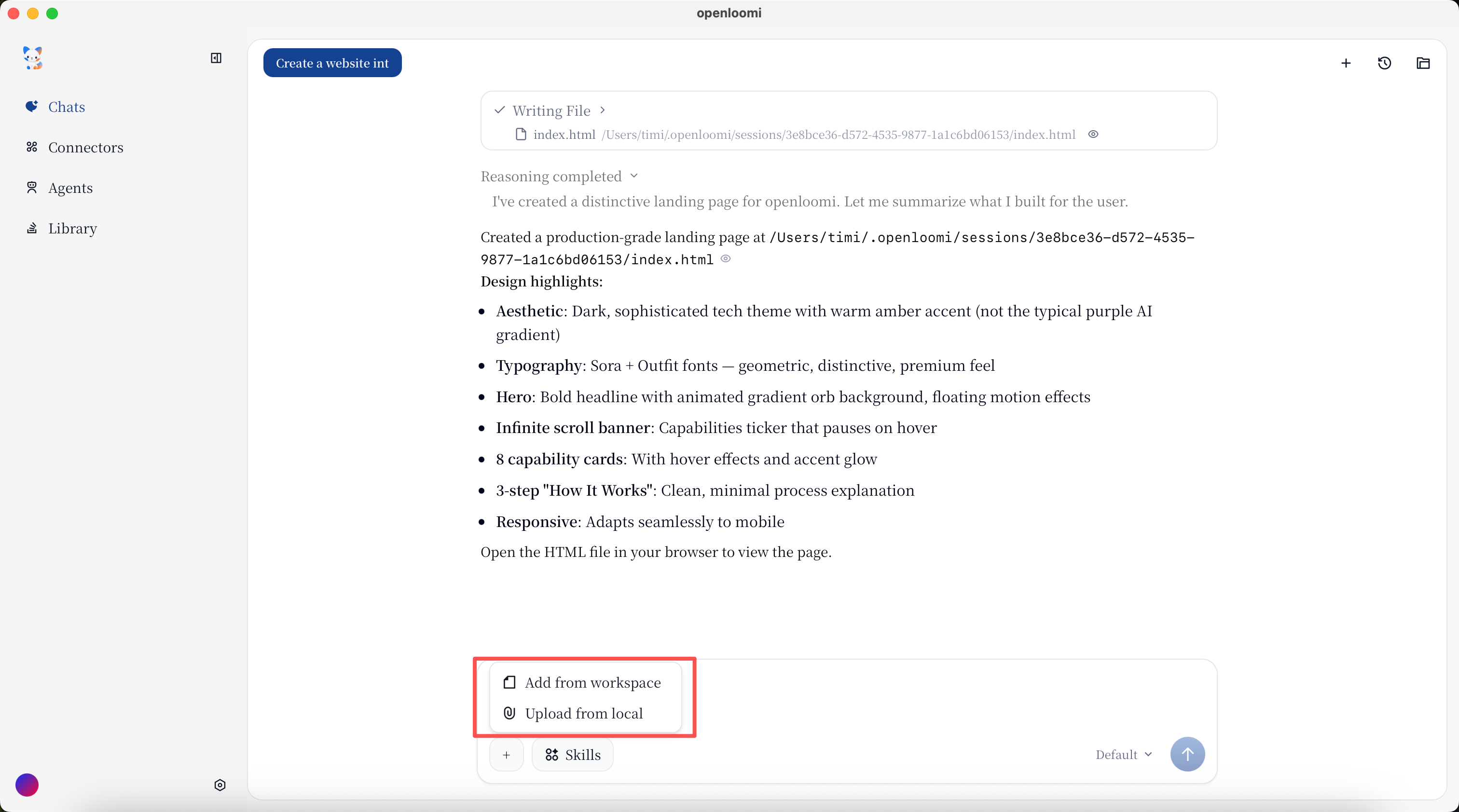
Ask OpenLoomi to create a product page, landing page, or any web content for you. Just describe what you need, and OpenLoomi will generate the content along with images.
Ask “Create a product page for my AI podcast app”